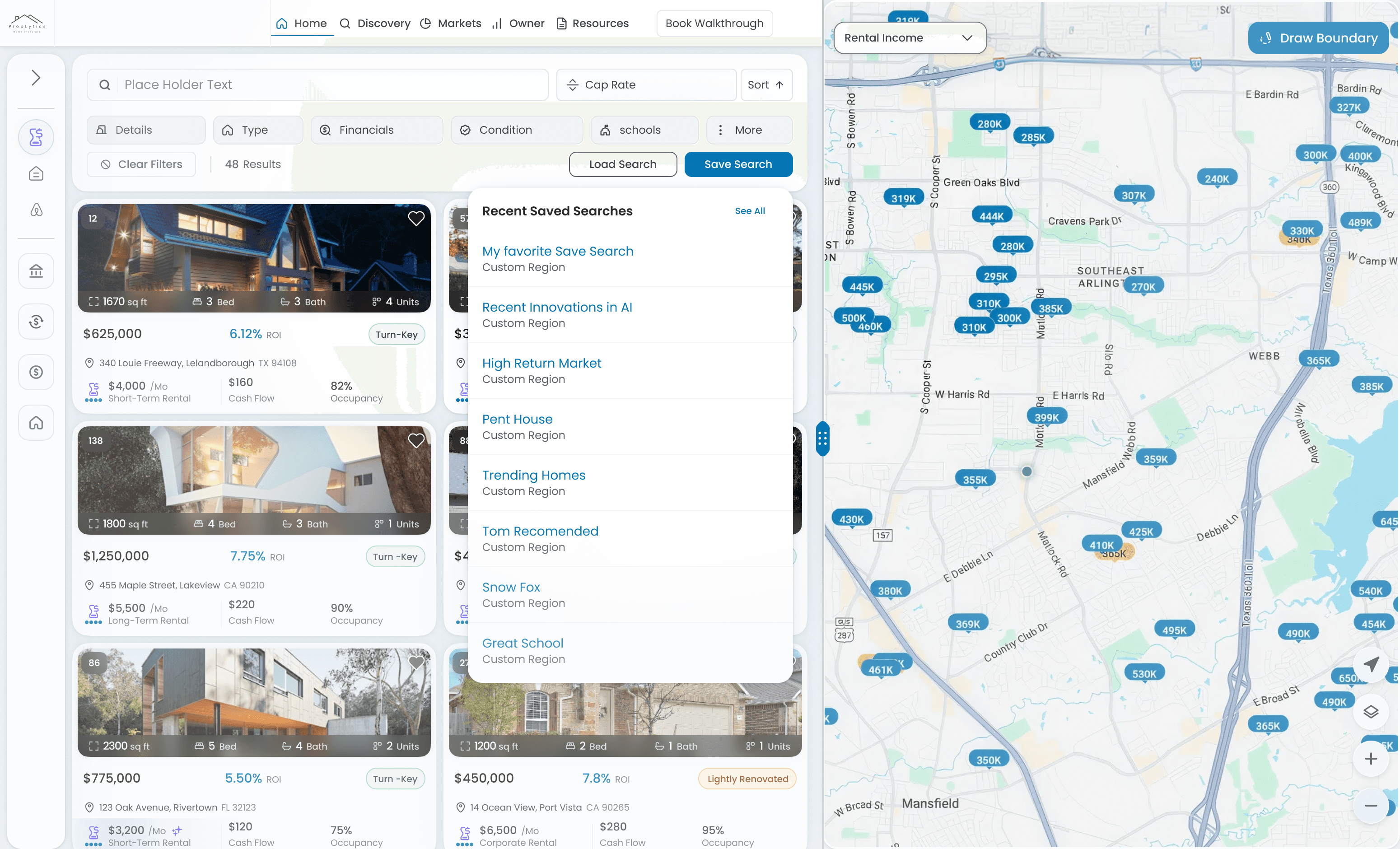
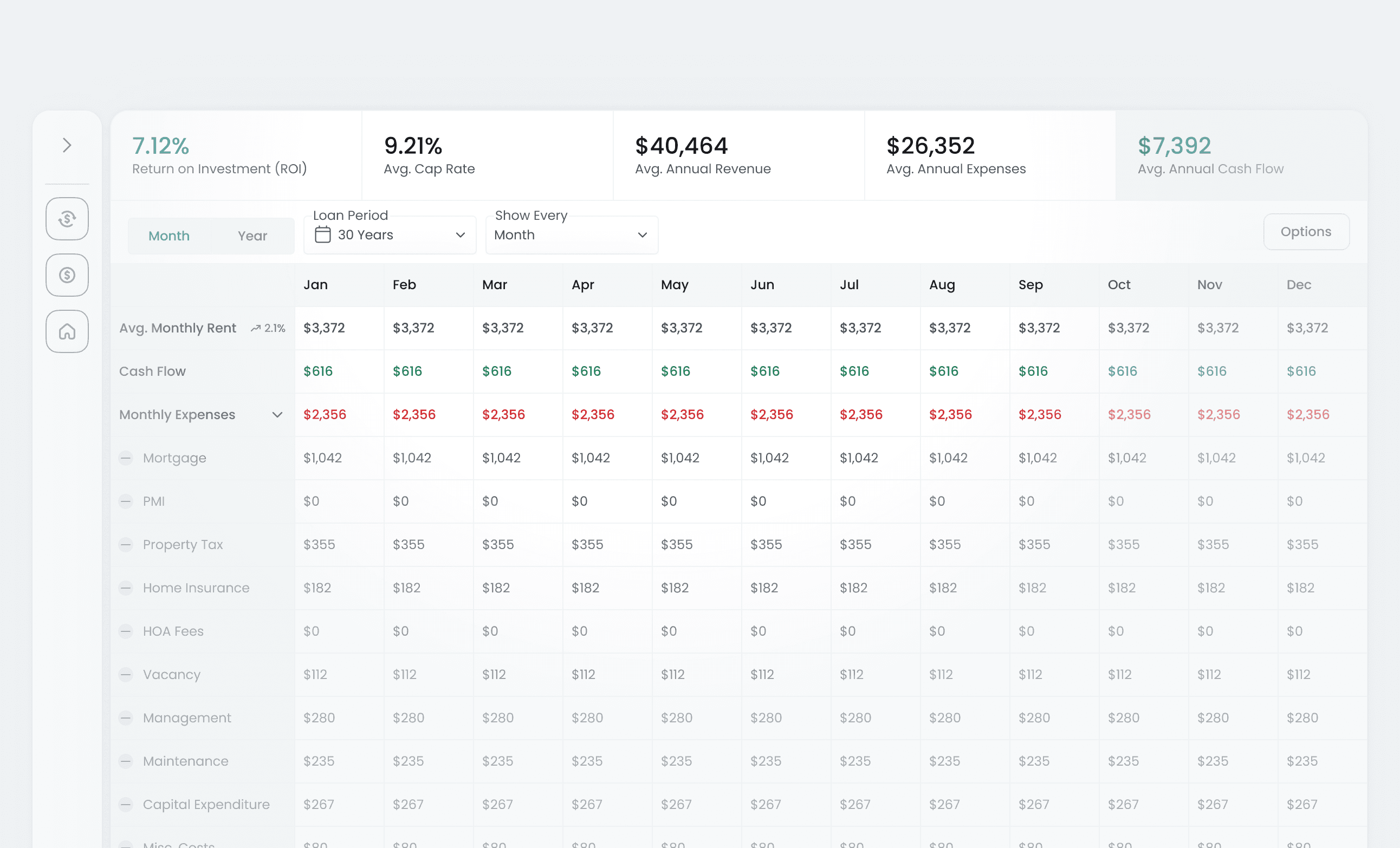
DocumentationDiscover how PropLytics gathers, uses and displays data. Search...⌘KTopicsStarter GuideLearn how to get started with proplyticsStarter GuideLearn how to get started with proplyticsHow To Use PropLyticsHow to use different features and how they workHow To Use PropLyticsHow to use different features and how they workData UseHow does Proplytics source data for the platformData UseHow does Proplytics source data for the platformTipsSome tips to help you get more out of PropLyticsTipsSome tips to help you get more out of PropLyticsRecommendedGet Proplytics on iPhoneMake PropLytics an App on your phoneTipsUser GuideEverything you need to discover, analyze, and manage real estate investments—powered by PropLytics data.Starter GuideSaved Searches & NotificationsSaved Searches let you store a set of Discovery filters and automatically track new properties and changes that match your criteria. How To Use PropLyticsFinancial BreakdownThe Financial Breakdown provides an editable, structured view of a property’s financials so you can model performance using your own assumptions. How To Use PropLytics